
Add your Freedom24
card to Apple Pay.
Pay directly from your investment account
without transferring funds to another bank
- Pay in stores, apps and online
- Use iPhone, Apple Watch and other compatible Apple devices
- Authenticate payments with Face ID, Touch ID or your passcode

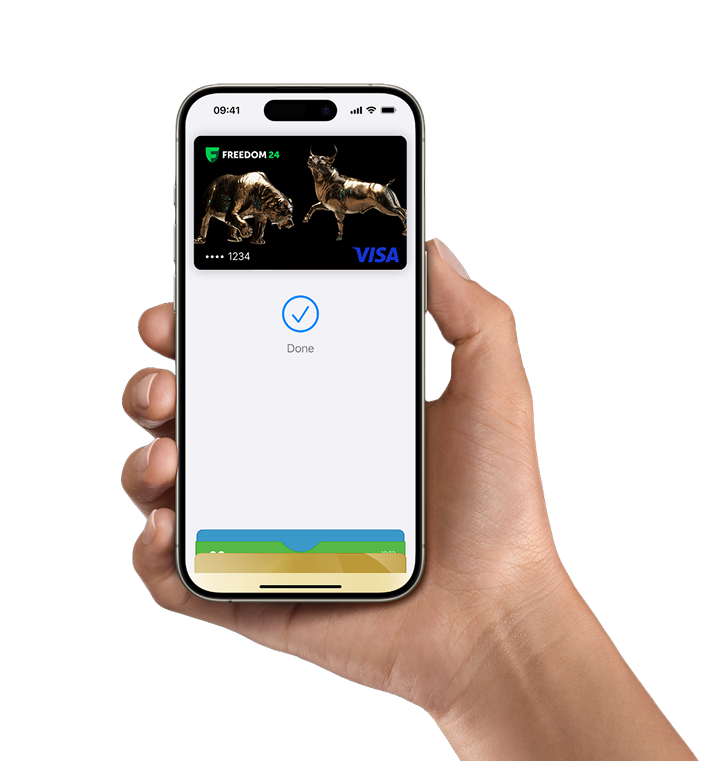

Pay easily. Pay fast
With Apple Pay, you can pay quickly and easily with your Freedom24 card straight from your iPhone or Apple Watch.

Extra security. Built right in
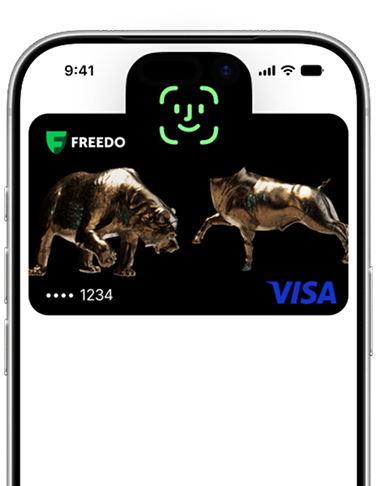
Apple Pay uses the security features built into your Apple device — including Face ID and Touch ID — which are designed so only you can authorise payments.

Save time, check out faster
With Apple Pay, information like your name and address automatically populate at checkout. Now paying is faster than ever.
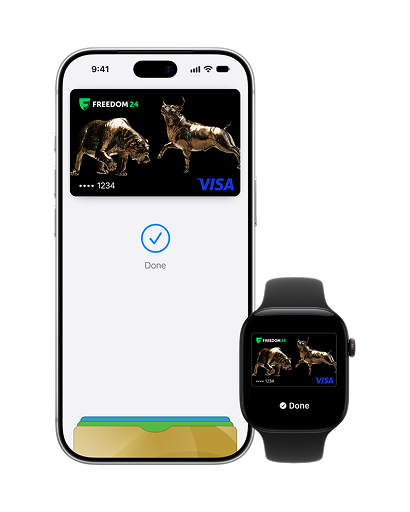
Use your investment account
for purchases
- Your Freedom24 card is linked to your investment account. There’s no need to withdraw your funds before using them for payments.
- Add your card to Apple Pay and use your funds directly — quickly, conveniently and securely.

Pay easily and securely
with Apple Pay
Pay with Apple Pay in stores, apps and online.
- In stores, look for the contactless payment symbol: double-click the side button, authenticate with Face ID, Touch ID or your passcode, and hold your device near the payment terminal.
- In apps and on websites, simply choose Apple Pay at checkout. There’s no need to take out your physical card or enter its details every time you pay.
How to add your Freedom24
card to Apple Pay
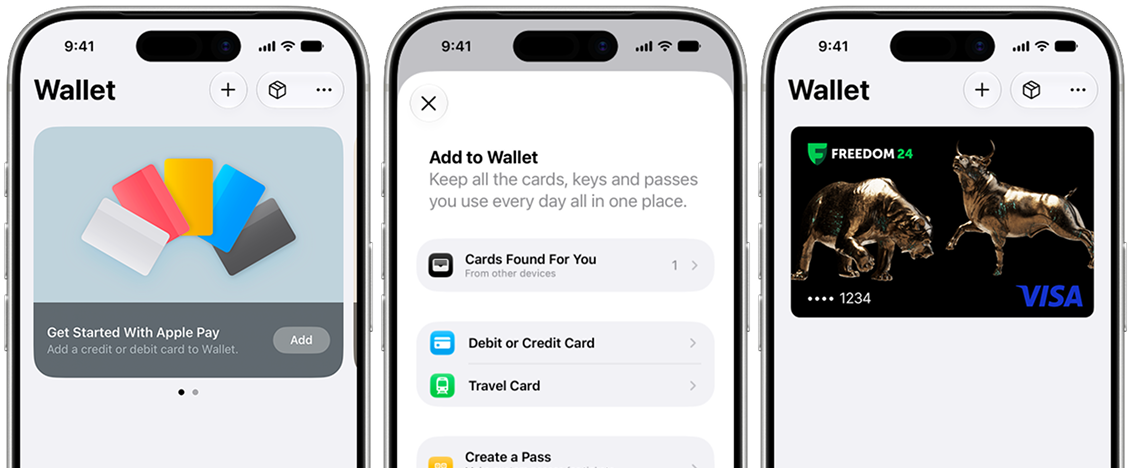
- Open the Apple Wallet app on your iPhone.
- Tap “+” and choose to add a card.
- Add your Freedom24 card and follow the onscreen instructions.
- Once setup is complete, use Apple Pay for payments in stores, apps and online.

Use your card across Apple devices
Add your Freedom24 card to Apple Wallet and use it across compatible Apple devices: iPhone, Apple Watch, iPad, Mac.

Use it where you already shop
You can now pay with your Freedom24 card anywhere you see the Apple Pay logo or the contactless symbol at checkout — it’s easy with Apple Pay.

Pay with just a tap
With iPhone, double-click the side button, authenticate with Face ID, Touch ID, or your passcode, then hold your device near the reader to pay. With Apple Watch, just double-click the side button, then hold your device near the reader to finish your purchase.
Frequently asked questions
Everything you need to know about Apple Pay
What is Apple Pay?
Apple Pay is a secure and easy-to-use mobile payment service that can be used to pay in stores wherever Contactless payments are accepted; just look for the Contactless or Apple Pay symbol.
It enables the use of eligible cards through compatible Apple devices by leveraging existing Near Field Communication (NFC) technology to make mobile payments.
You can also use it to make in-app and E-commerce purchases wherever the Apple Pay logo is displayed.
Which devices are compatible with Apple Pay?
You can use Apple Pay on compatible iPhone, Apple Watch, iPad and Mac models. The payment options available depend on your device. See Apple’s list of compatible devices for full details.
How do I activate Apple Pay?
Open the Wallet app on your iPhone, tap “+” and choose to add a debit or credit card. Add your Freedom24 card and follow the onscreen instructions, including any verification requested by your card issuer. See the setup instructions above or Apple’s setup guide.
Do I need mobile data or a Wi-Fi connection to use Apple Pay?
You do not need an internet connection on your device to make contactless payments in stores. You will need a connection to set up your card and to pay in apps or online.
Why do I get a message to contact the card issuer when I try to activate Apple Pay?
Your card issuer may need to verify your card or request additional information before it can be added to Apple Pay. Contact your card issuer using the official contact details provided with your card for help completing activation.
During setup I have been prompted for a one-time passcode. What is this and why is it required?
A one-time passcode is a temporary security code used by your card issuer to verify that you are the cardholder. Follow the verification instructions shown in Wallet and enter the code when prompted. If you do not receive it, contact your card issuer.